A new runtime version can fix a vulnerability, improve performance, or keep your application on a supported release. Getting that version into production takes a little more than changing a number in a settings page.
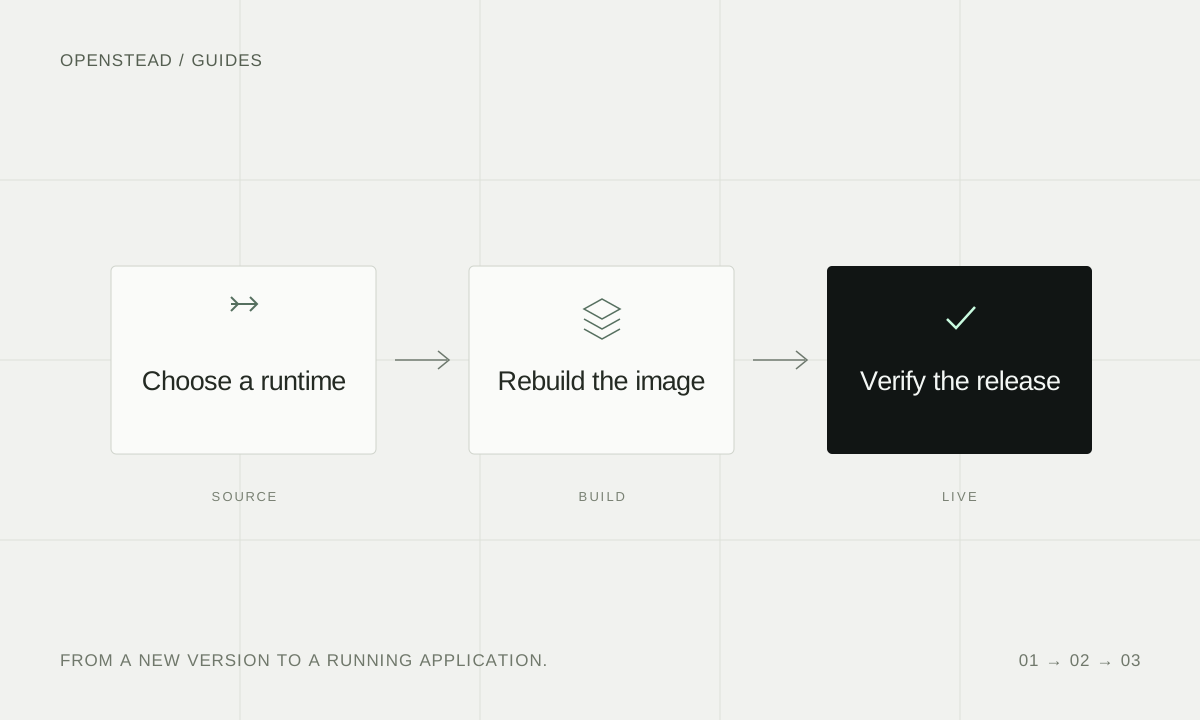
The useful question is: what version is the running process actually using? This checklist takes you from a source change to a release you can verify.
Start with the runtime you actually run
Check your application's language version, the image or build configuration that supplies it, and the release currently serving requests. For PHP and Node.js, the runtime commands are:
php -v
node -v
Run the command that applies to your service inside its deployment environment. Your laptop's version does not tell you what your production container runs.
Read the release notes for the version you plan to use. Prefer a patched release in your existing supported series when that is sufficient. A major upgrade can also change APIs and dependency requirements, so test it separately.
Update the source of the version
For an automatically detected build, review your runtime selection and any pins in the repository. A version set in a manifest or build configuration may override a platform default.
For a Dockerfile, update the FROM image and, if you pin a digest, the digest too. Check every build stage that supplies a runtime or copies runtime files into the final image. Updating only a builder can leave the final application container unchanged.
For a prebuilt image, rebuild it at its source and deploy the new image. Pulling the same old digest gives you the same old runtime.
See Openstead's language and runtime documentation for supported build configuration.
Build and test before switching traffic
Build from the updated source. If the build still resolves an old base image, refresh that image or clear the affected build cache. A familiar image tag alone is not proof of a new image.
Use a separate test service or environment to exercise the paths your application depends on:
- Sign-in and the main request flow.
- Database connections and ordinary reads and writes.
- File uploads, scheduled tasks or workers, if your application uses them.
- Startup and health checks after the process restarts.
If the change affects stored data, review your backup and migration procedure first. A runtime patch does not usually need a schema change; avoid combining unrelated migrations with a security update.
Verify the new release
Deploy the tested build, then repeat the runtime check in the running container. Confirm that the release uses the expected source revision or image and that its health check succeeds.
Check the application itself as well as the version number. Read the new release's logs and test an ordinary user journey. Keep notes of the source revision, running version and checks you completed so the next update is easier to compare.
Keep rollback safe
An older deployment may contain the runtime you just replaced. Rolling back to it can restore the vulnerability along with the earlier application code.
Before you need a rollback, identify a known-good release that also contains the patched runtime. If you must return to an earlier source revision, rebuild that revision with the fixed runtime and test it before deploying.
For the current PHP2Shell and Node.js Brotli update, read the security notice and patched version table. If you need help checking an Openstead service, contact the team.